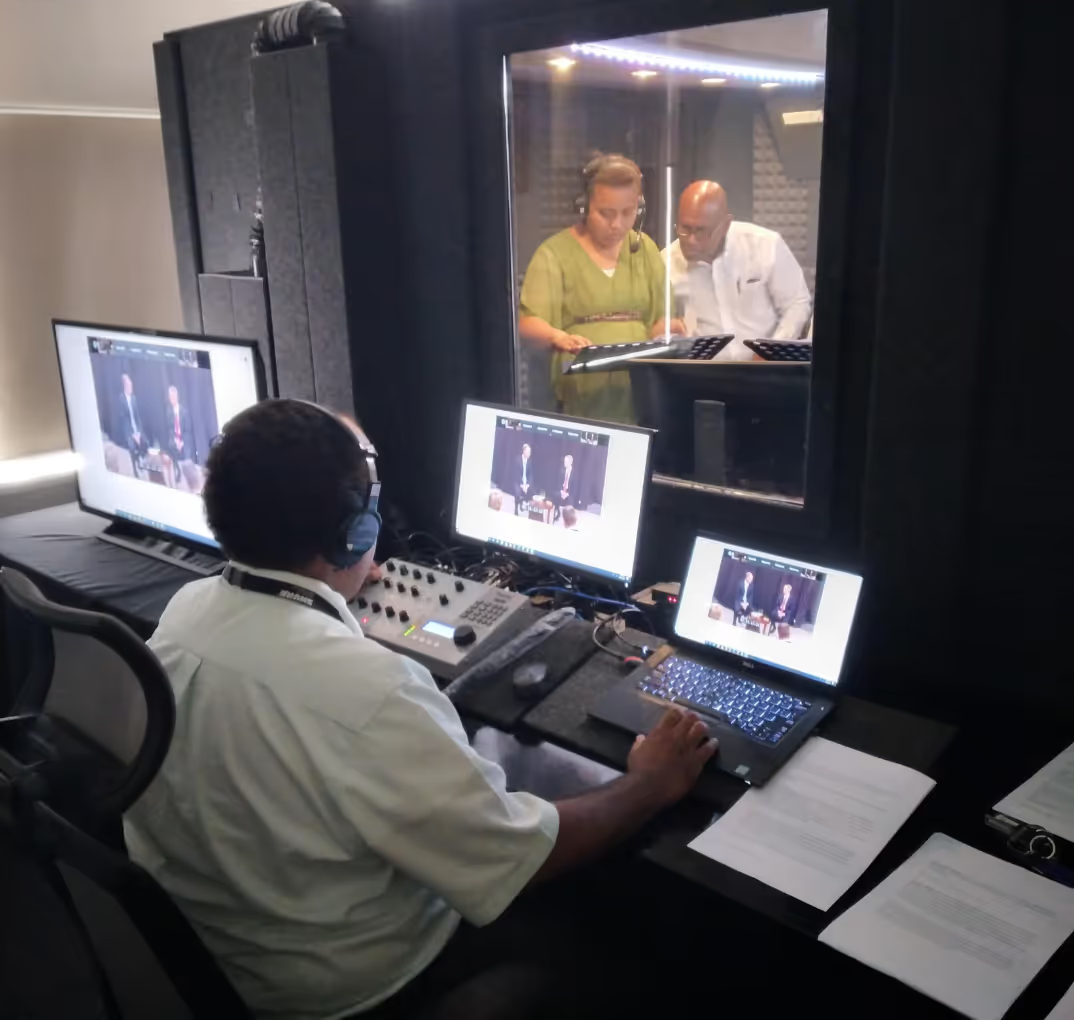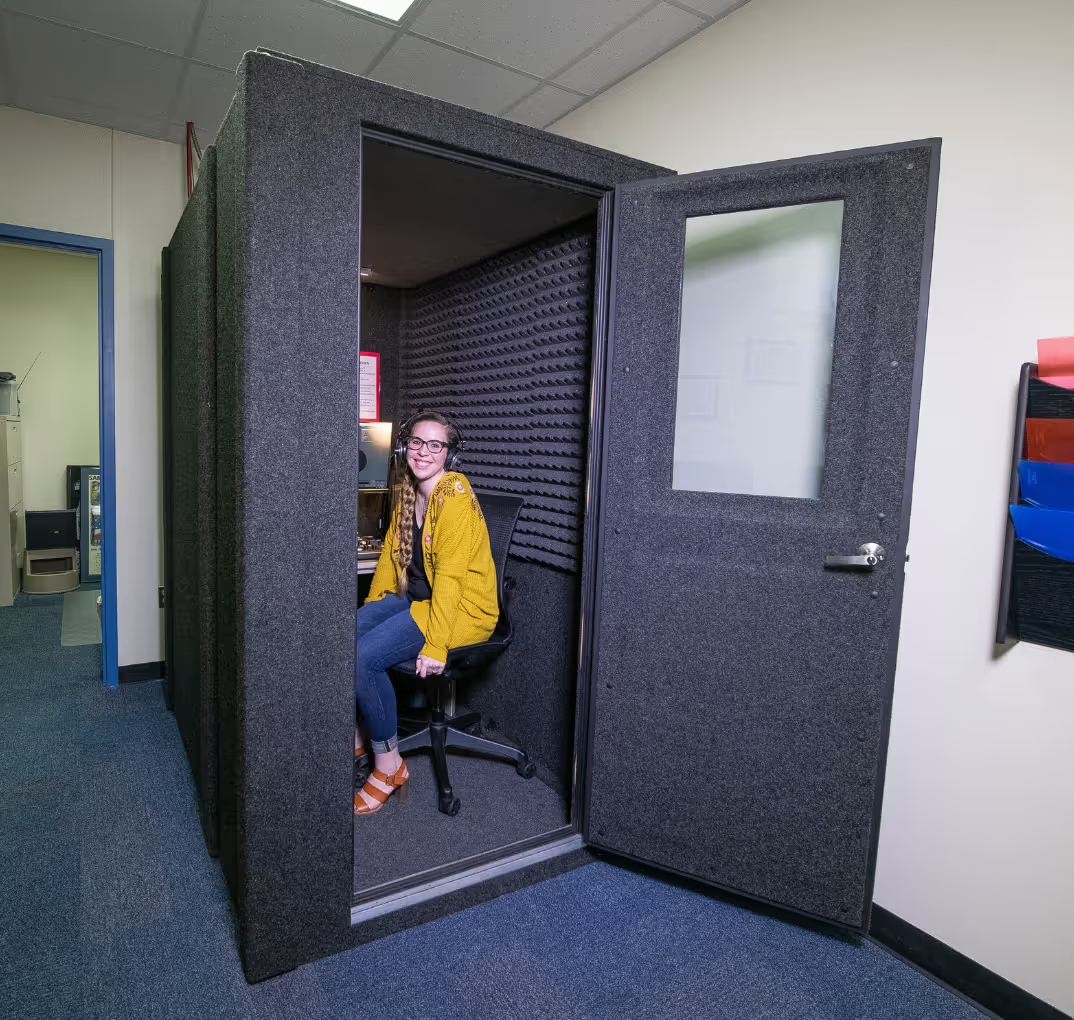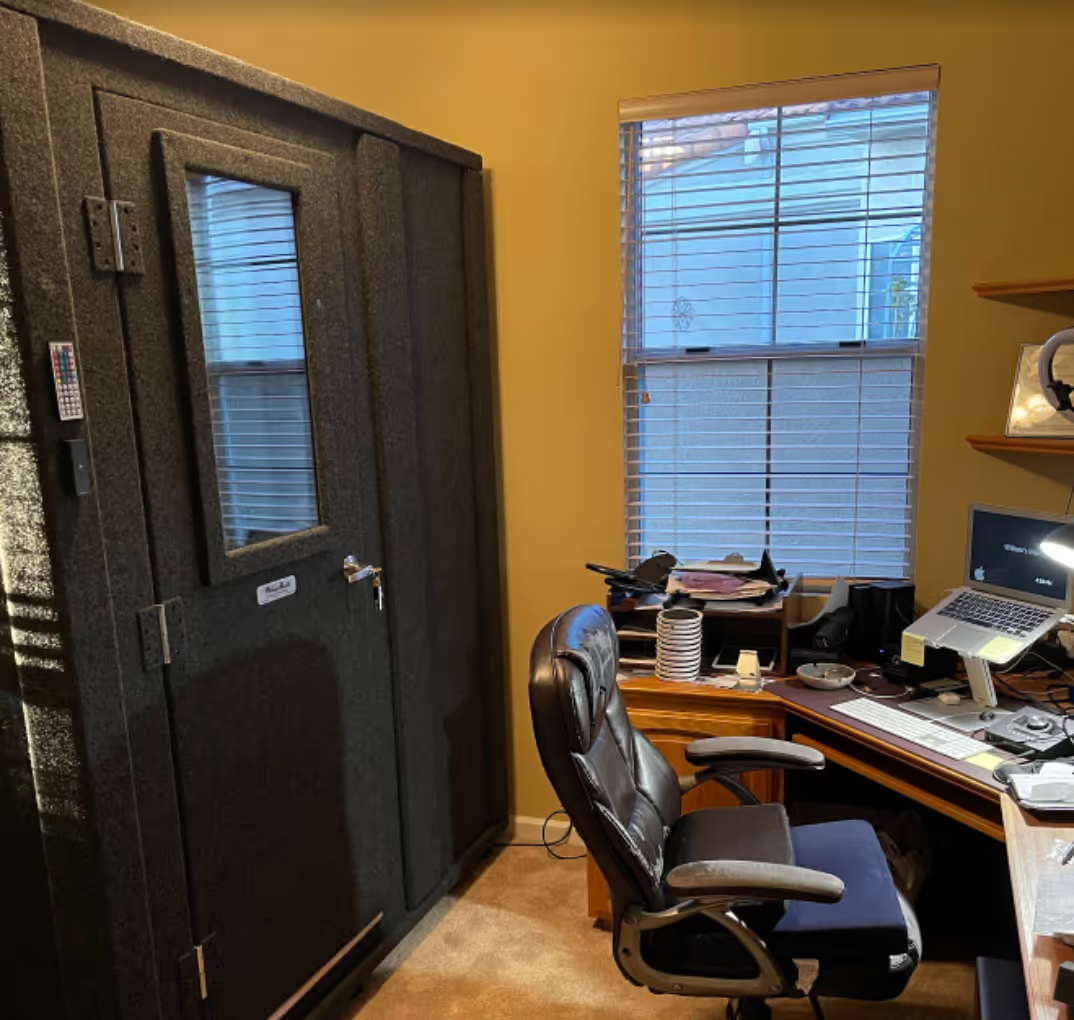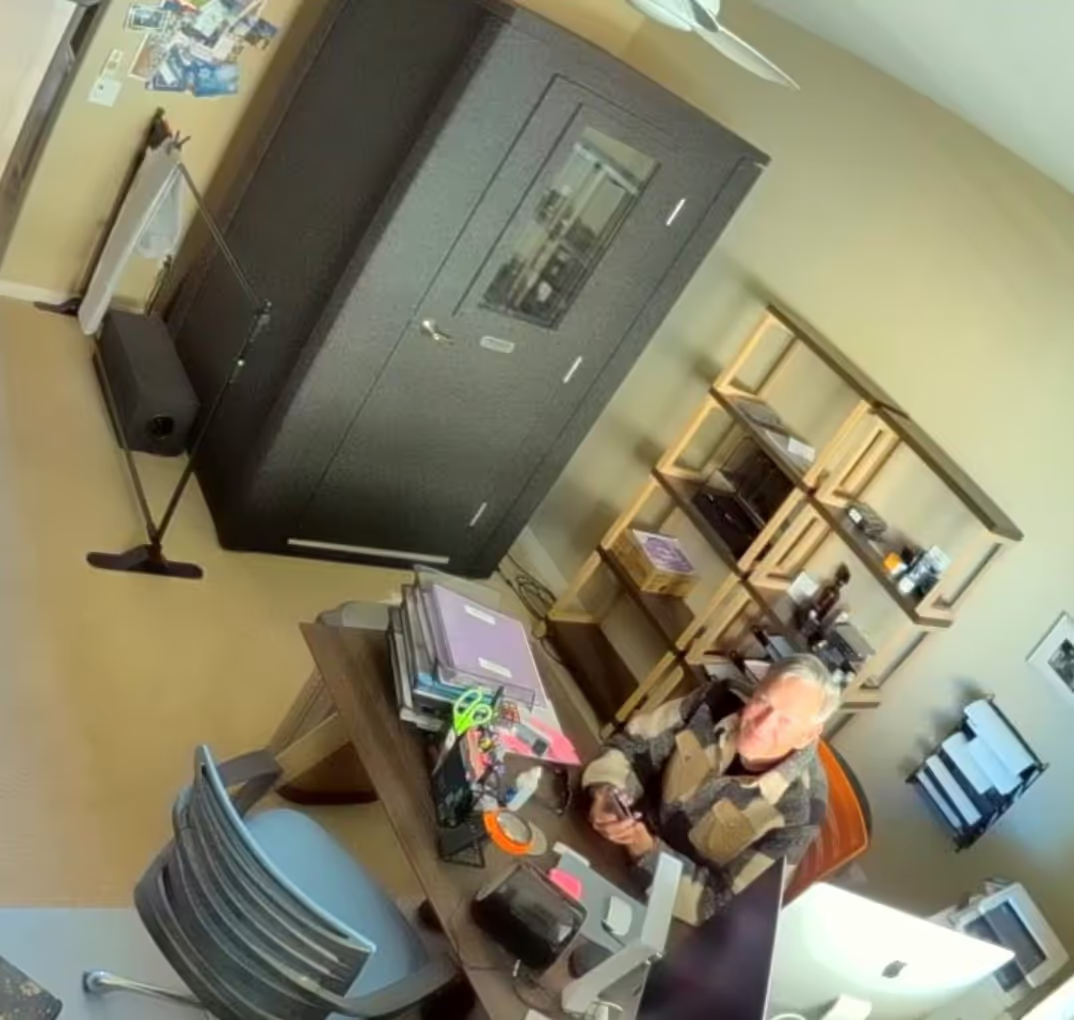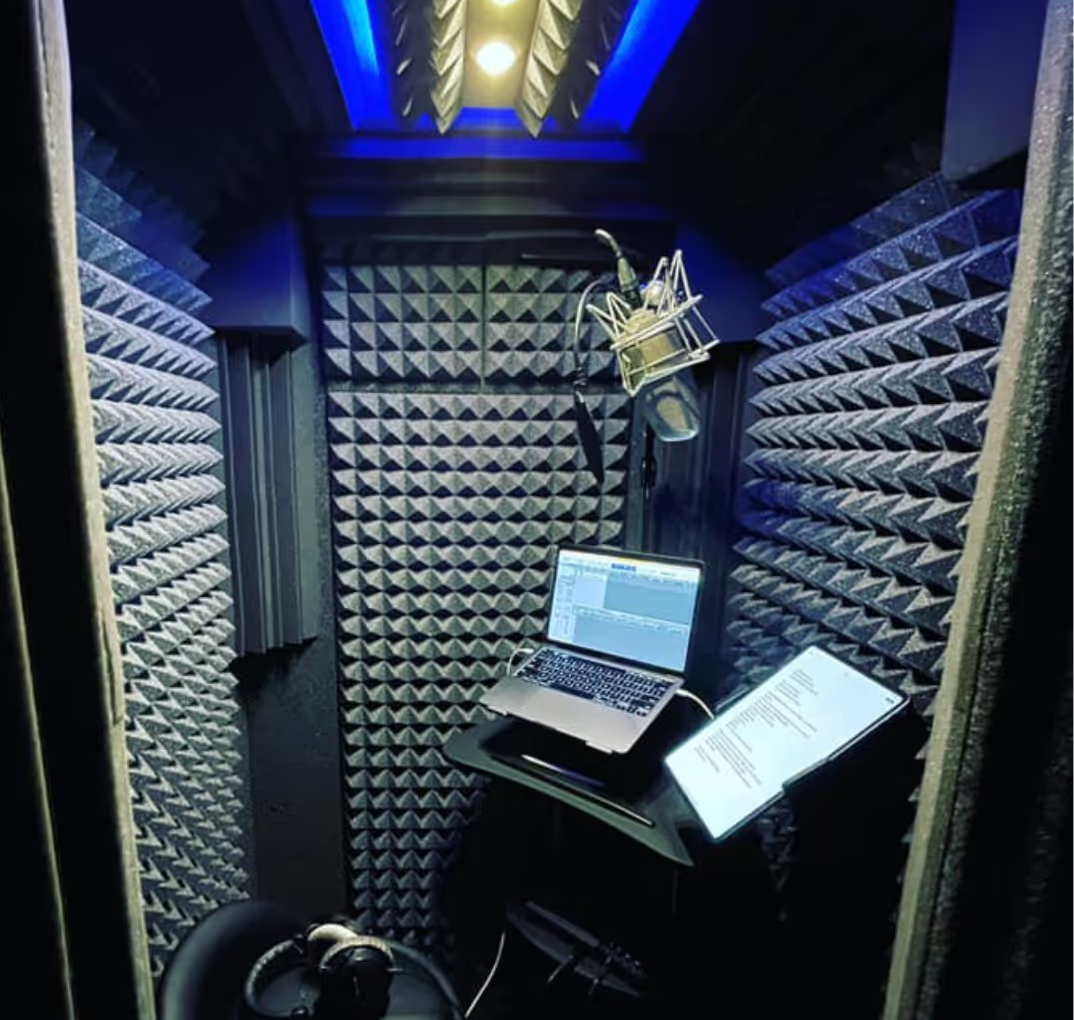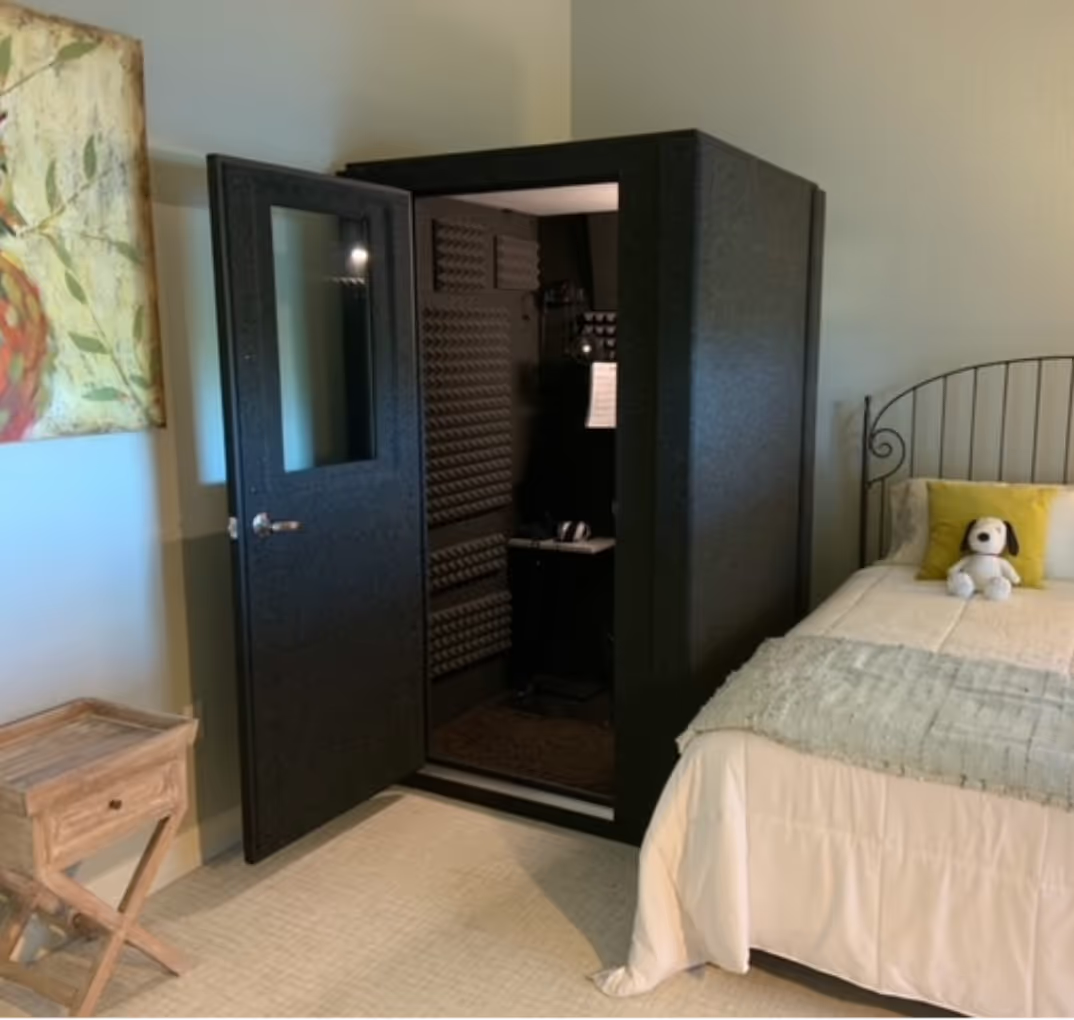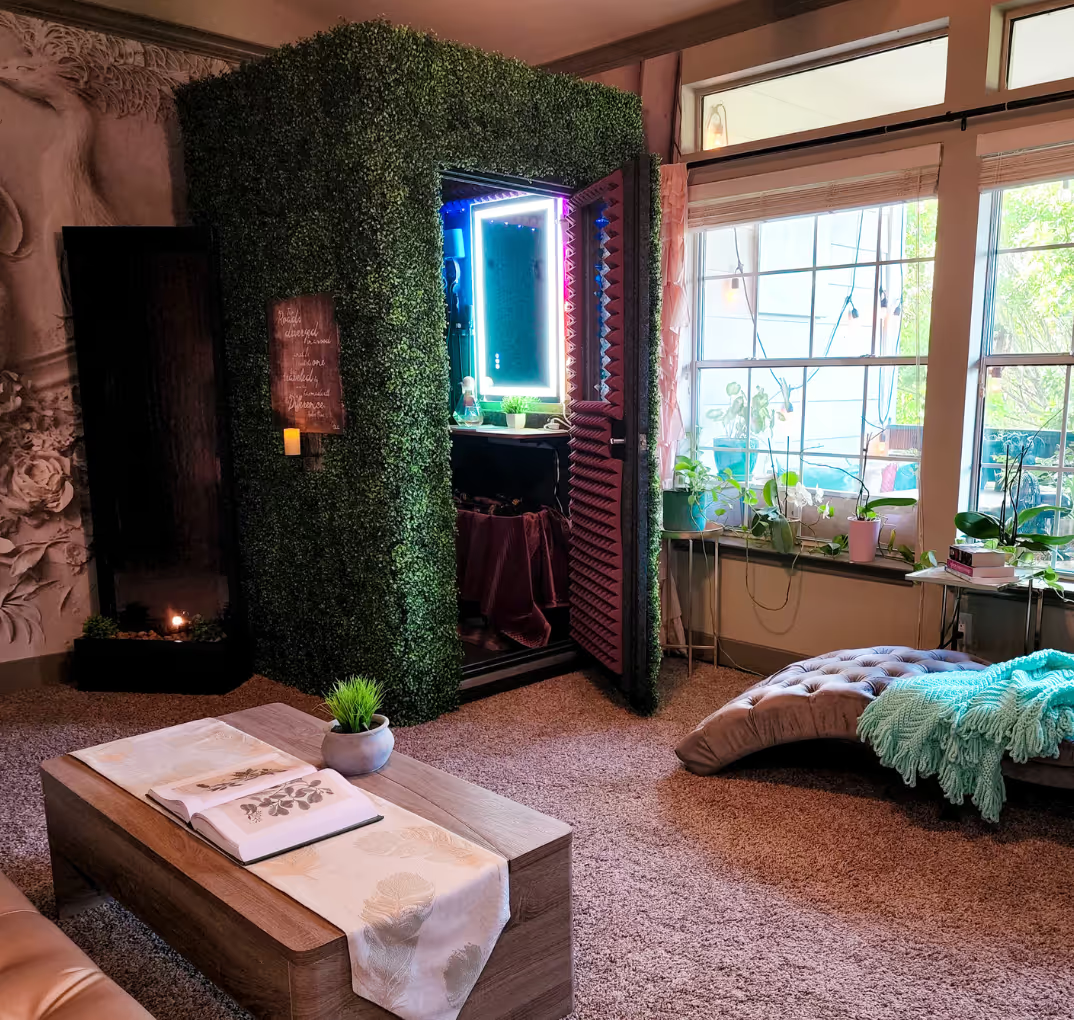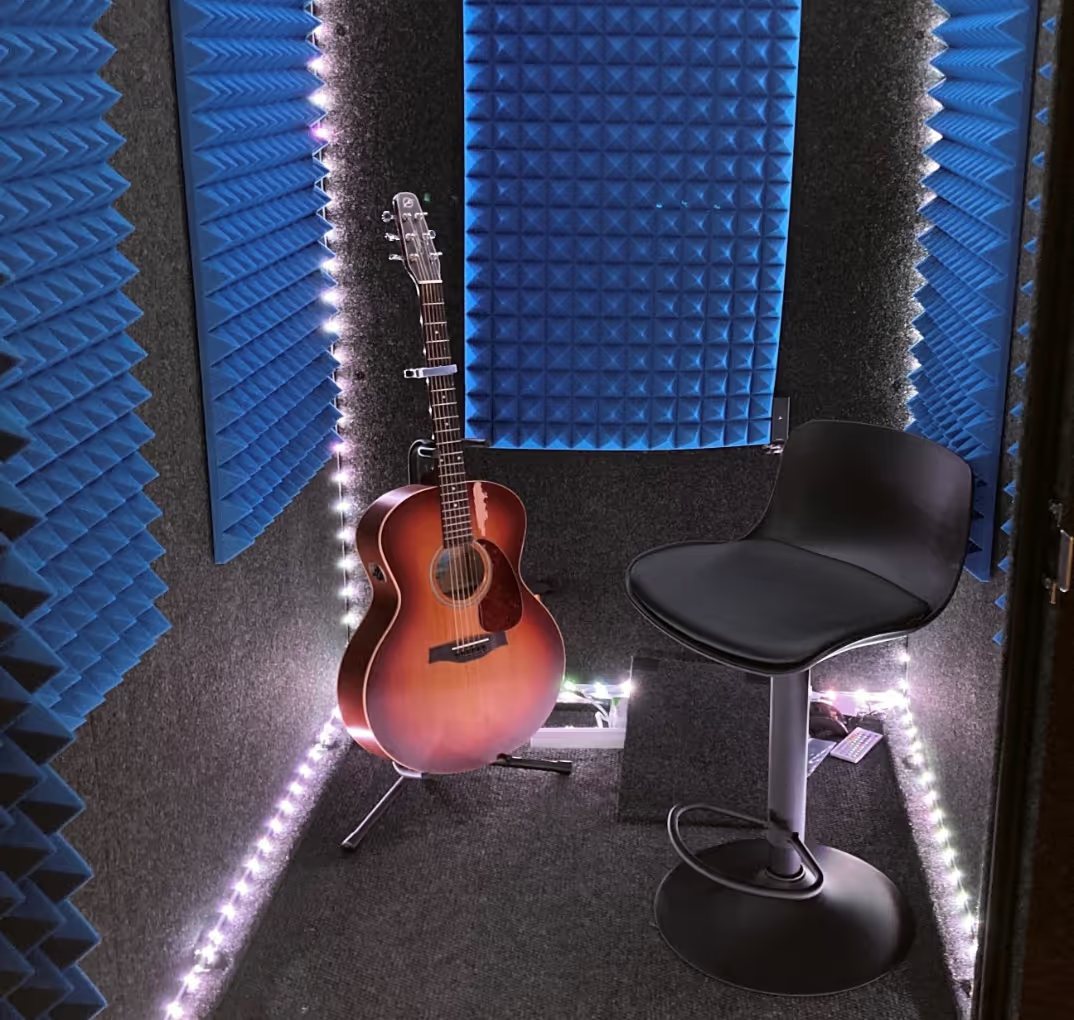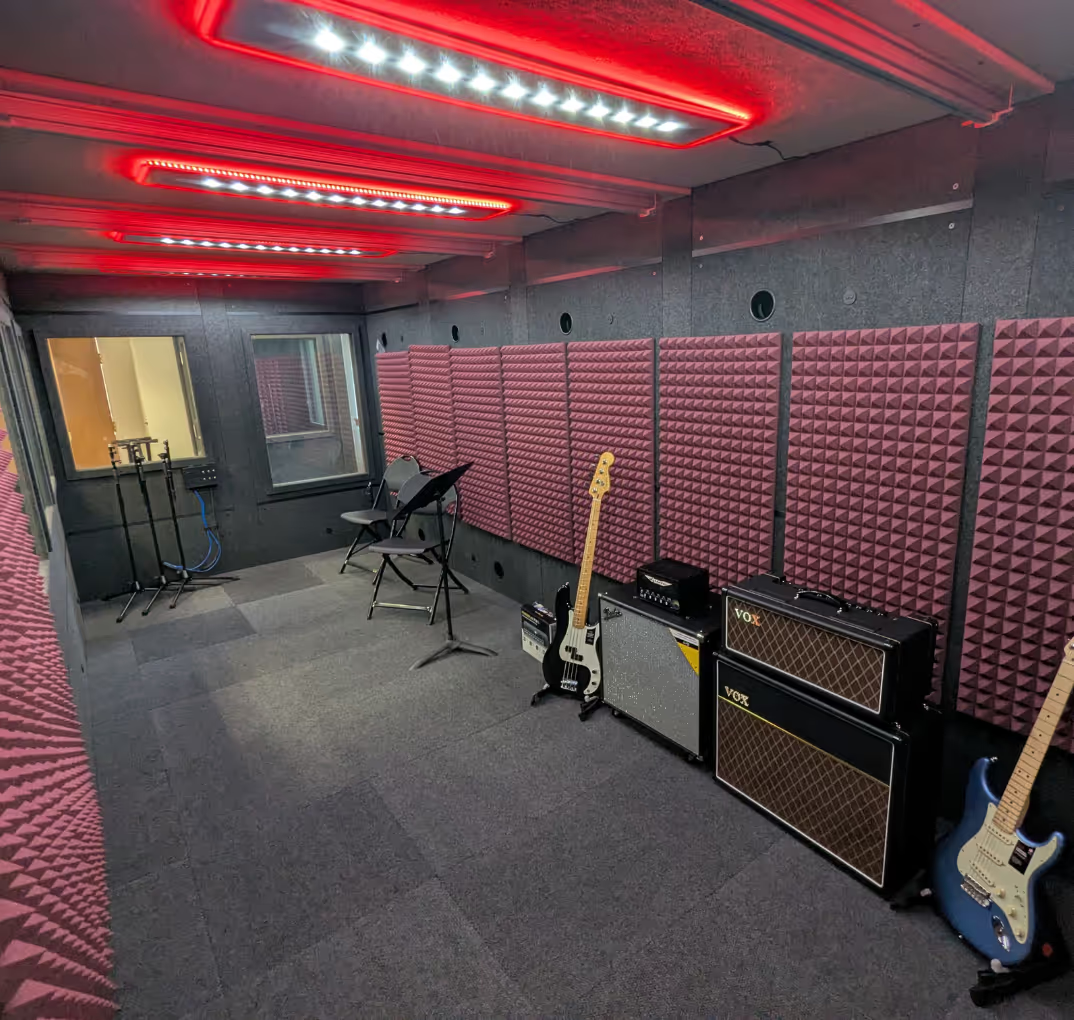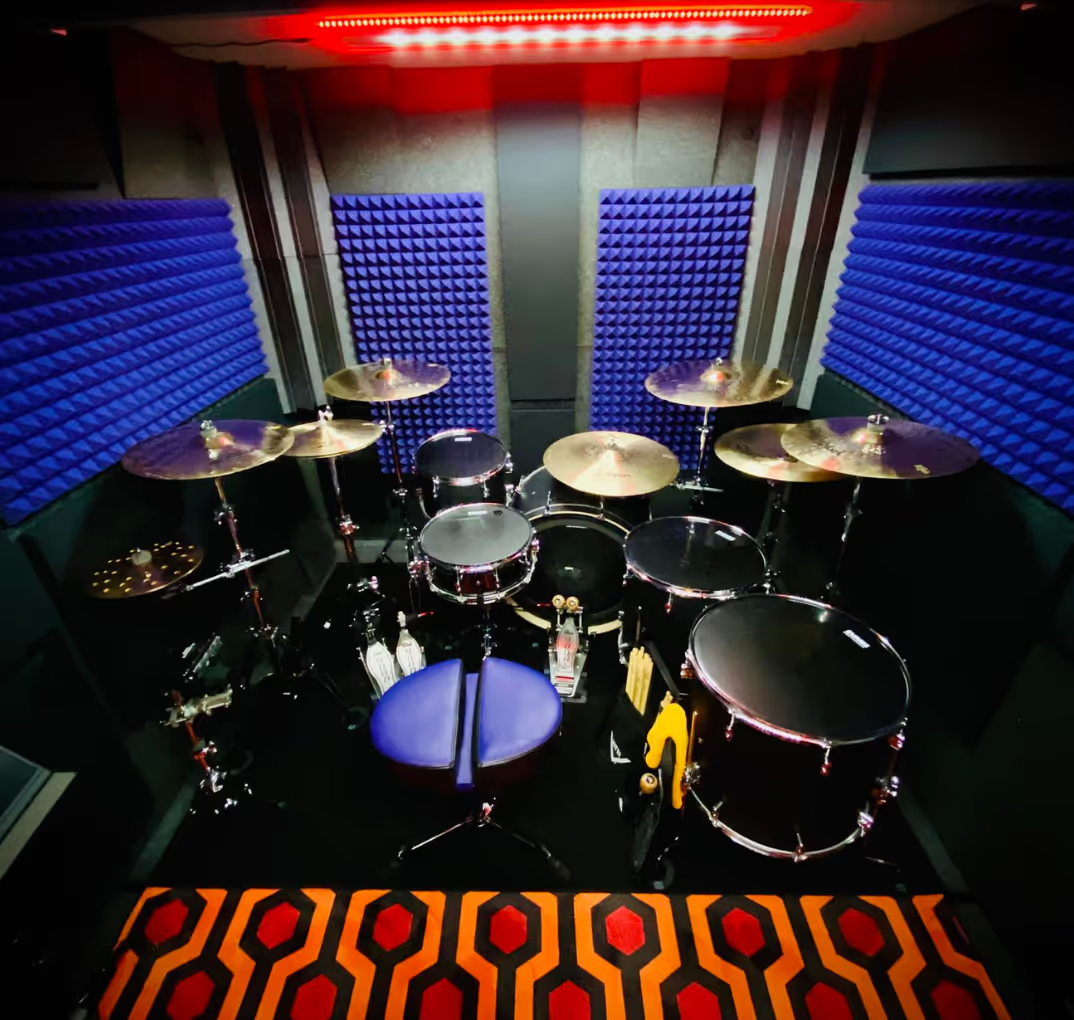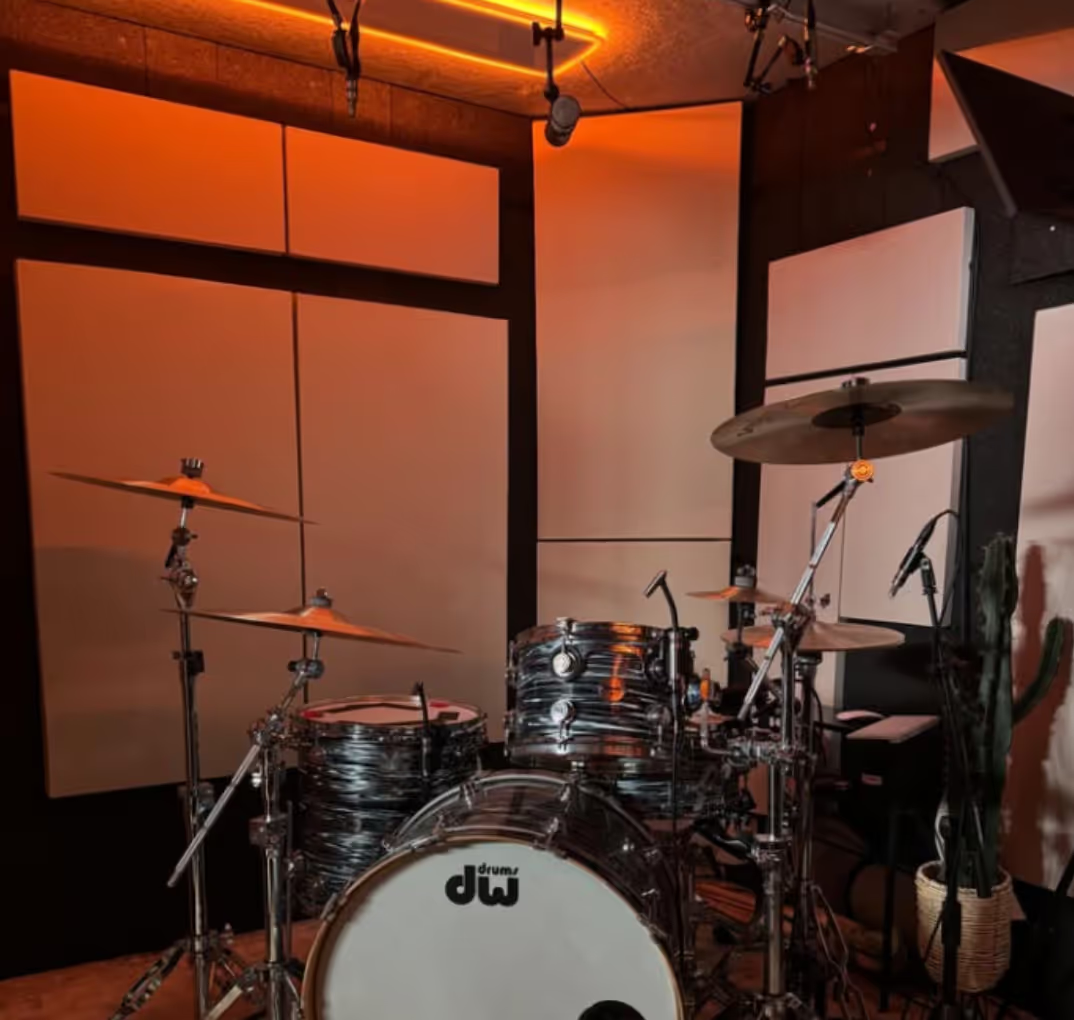
A vocal booth needs ventilation to keep air moving and help manage heat during recording sessions. But there's a challenge: the same openings that allow air to circulate can also let unwanted sound travel in and out.
A good ventilation system balances both needs. It moves air through the booth while reducing the noise that reaches your microphone.
Whether you're recording vocals, narrating audiobooks, or producing a podcast, here's what you need to know about keeping your booth comfortable without compromising sound isolation.
Why Do Vocal Booths Get Hot and Stuffy?
Sound isolation depends on limiting the paths that sound can travel through. That means tightly fitted doors, sealed panel connections, and carefully designed openings for cables and ventilation.
Those same features also restrict natural airflow.
Inside a small vocal booth, several things generate heat:
- Your body: Singing, speaking, and moving all produce heat.
- Lighting: Lamps contribute additional warmth, particularly older incandescent and halogen fixtures.
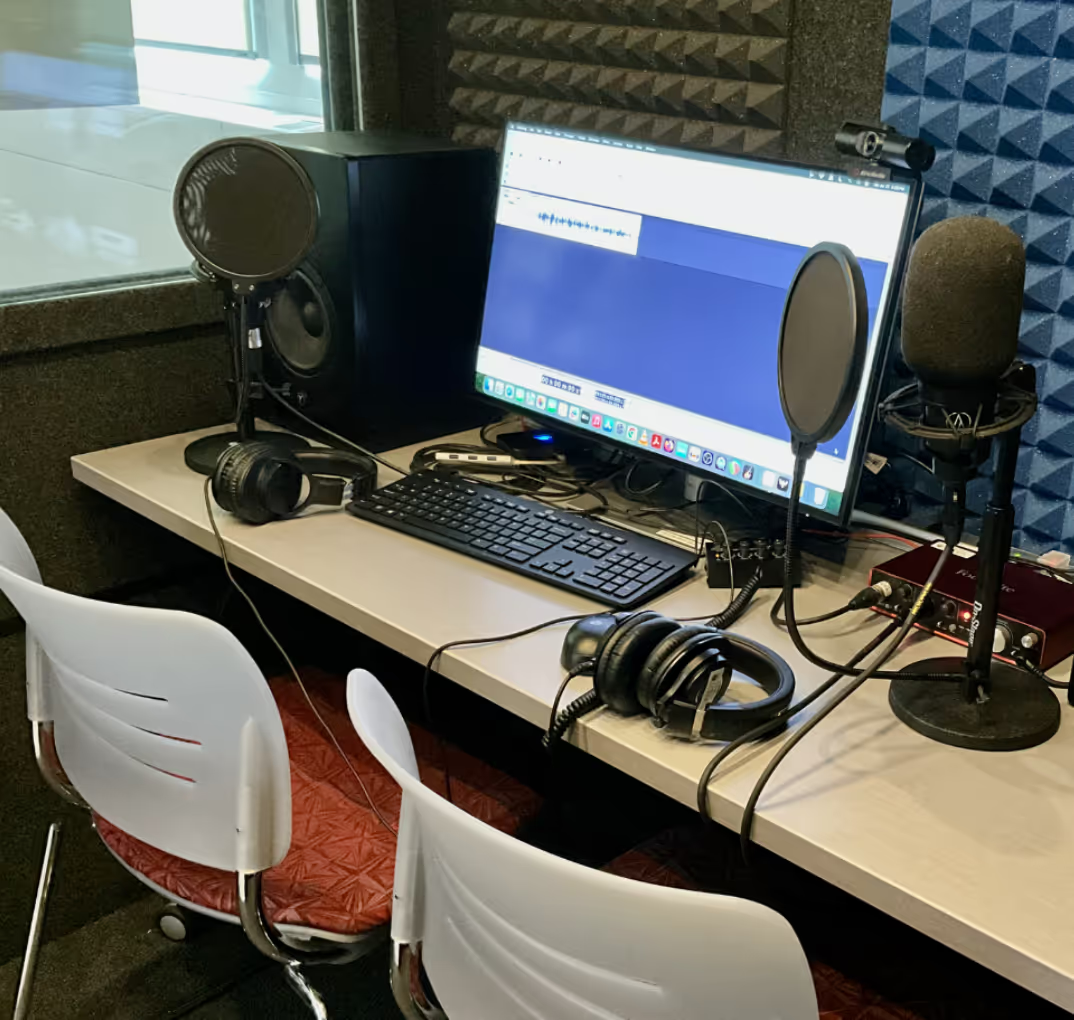
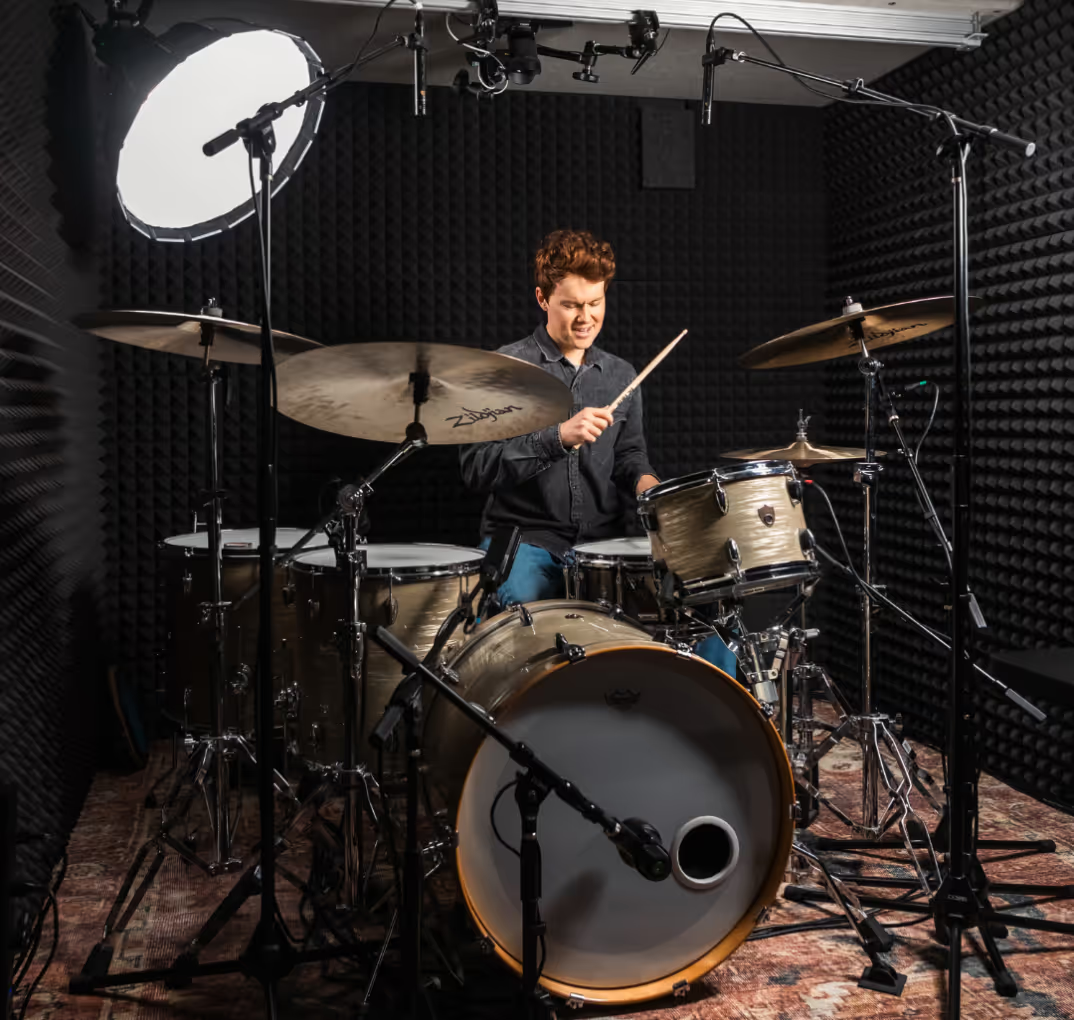
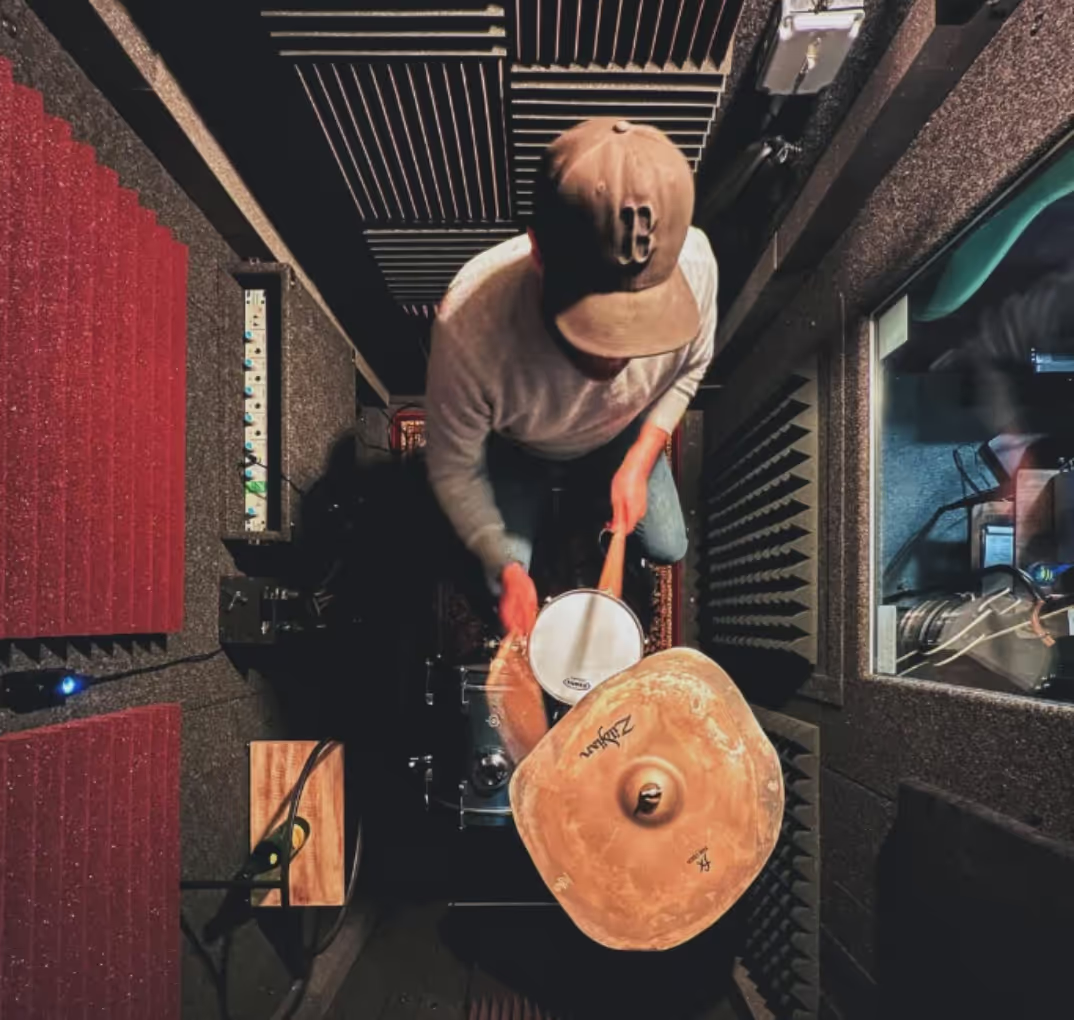
- Recording equipment: Computers, monitors, audio interfaces, and power supplies generate heat during operation.
The smaller the booth, the more noticeable that heat can become.
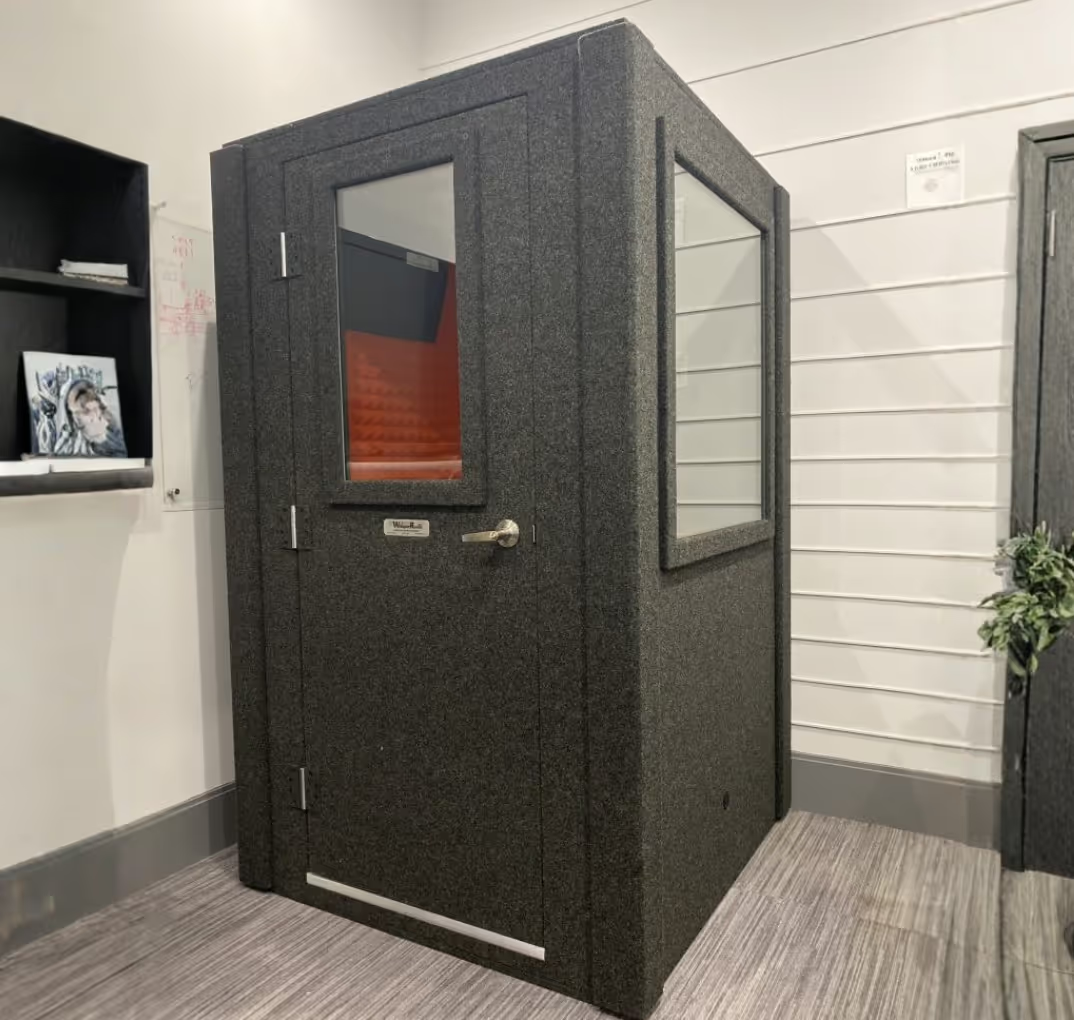
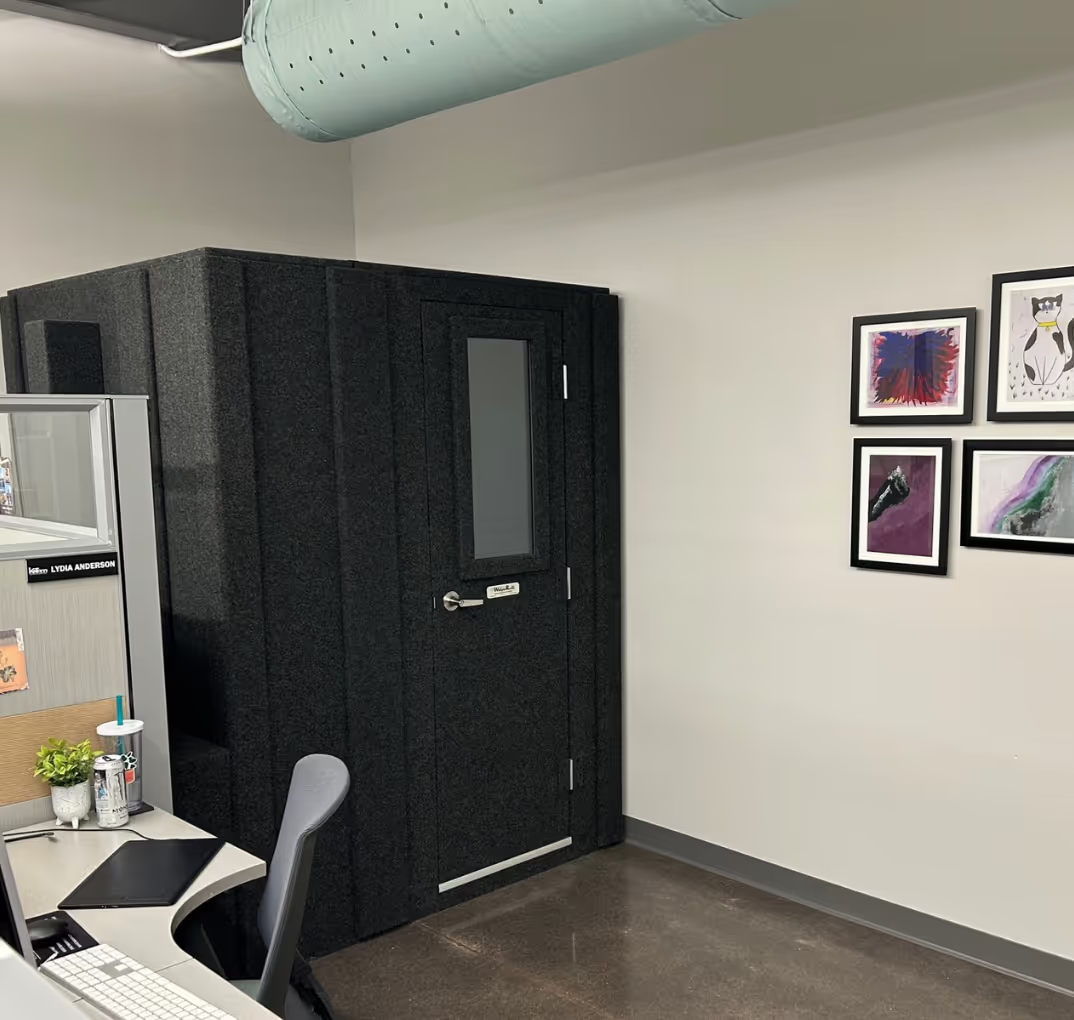
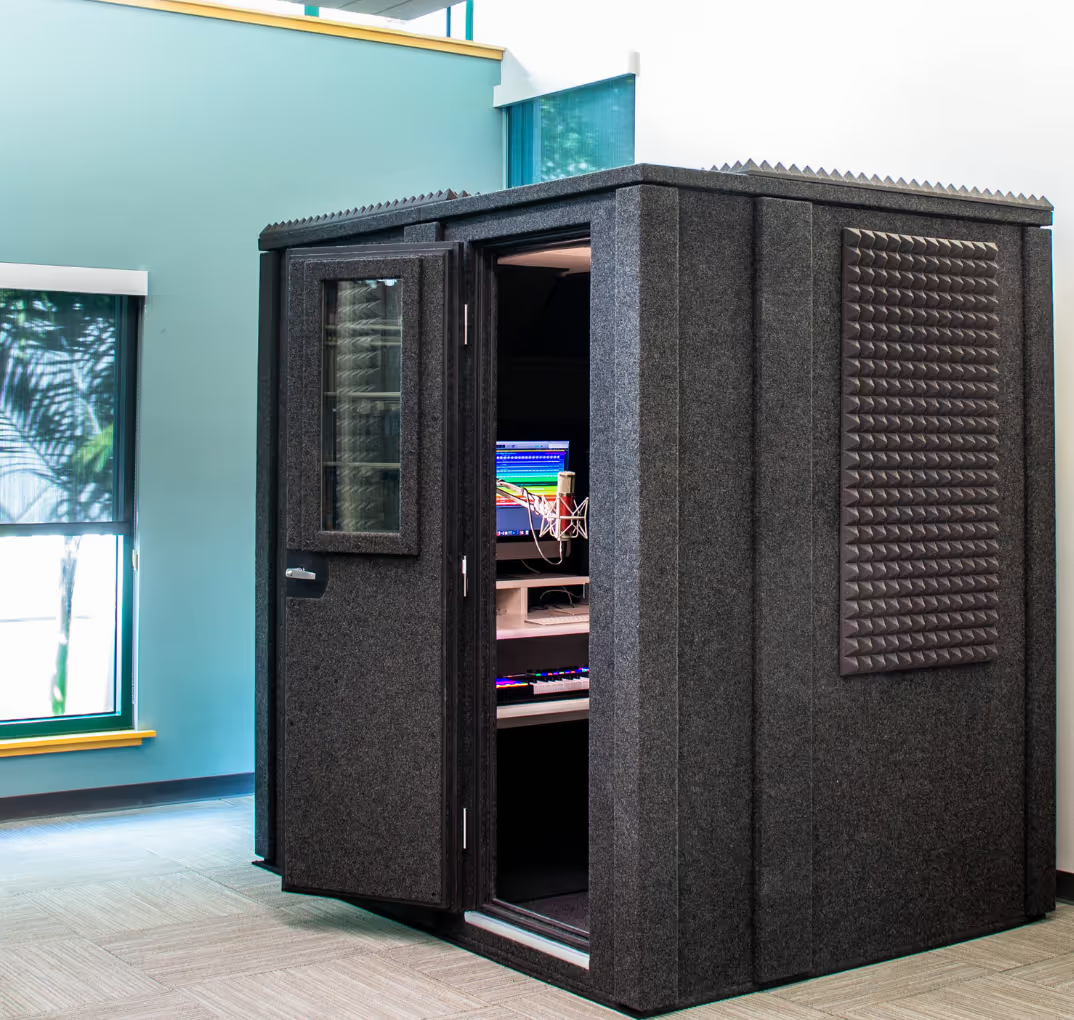
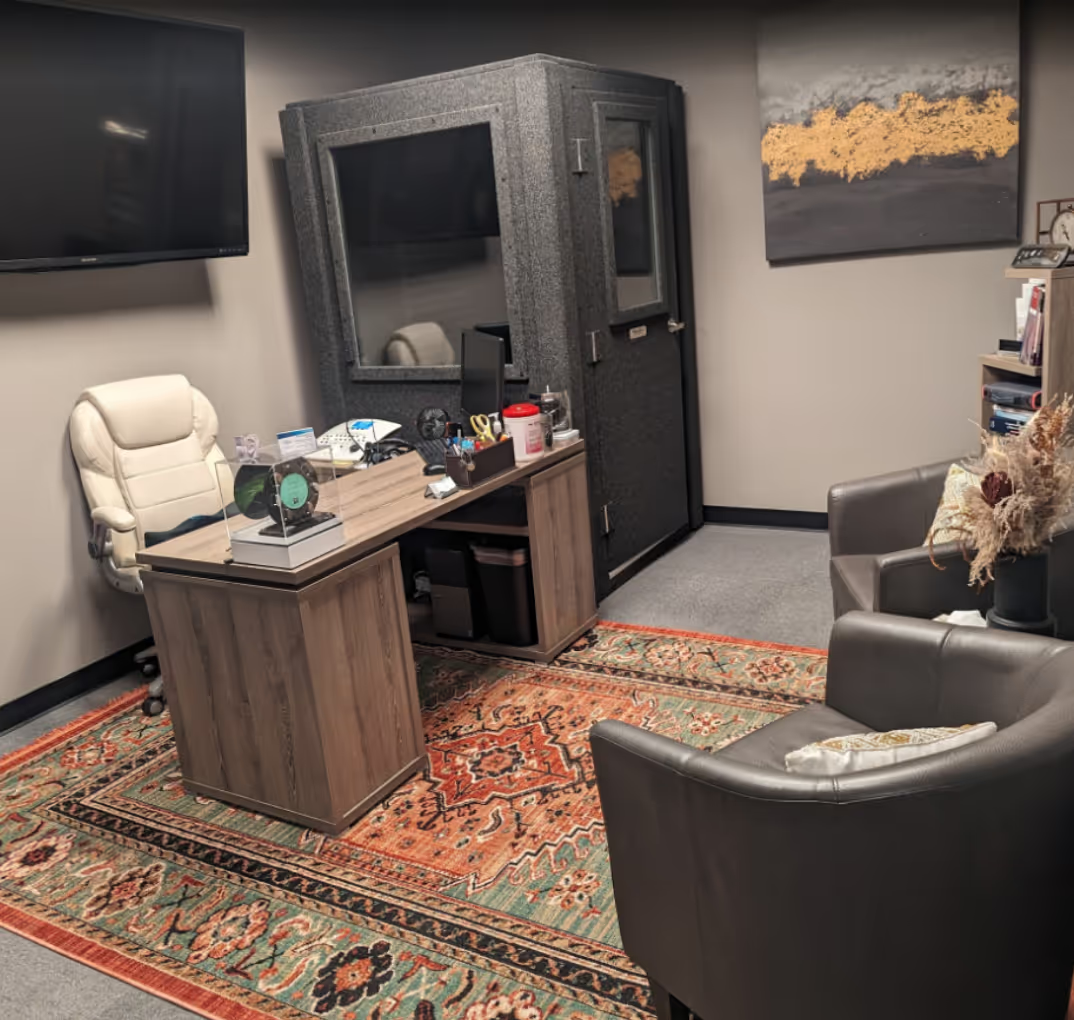
For example, a compact booth such as WhisperRoom's Voice Over Basic provides a dedicated recording space within a relatively small footprint. That makes efficient ventilation especially important during longer sessions.
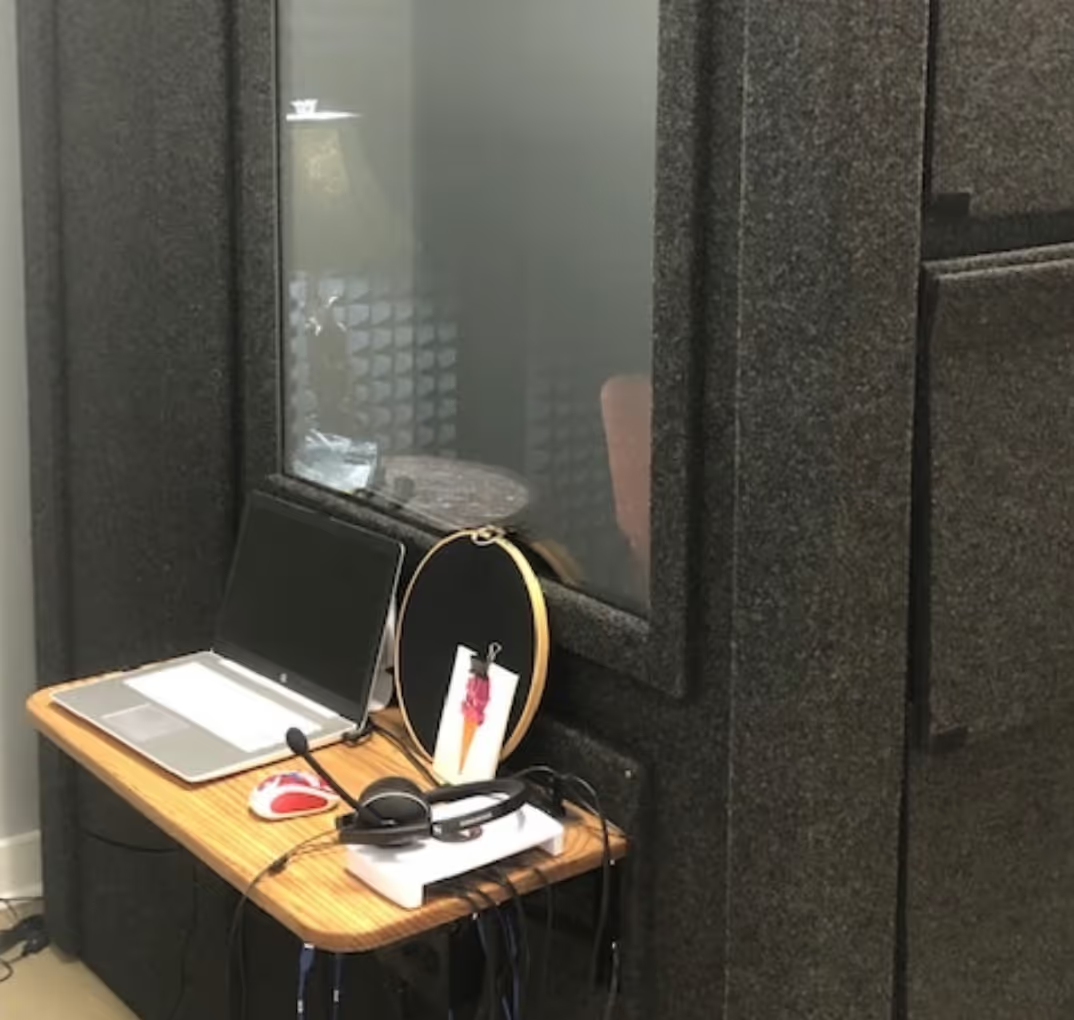
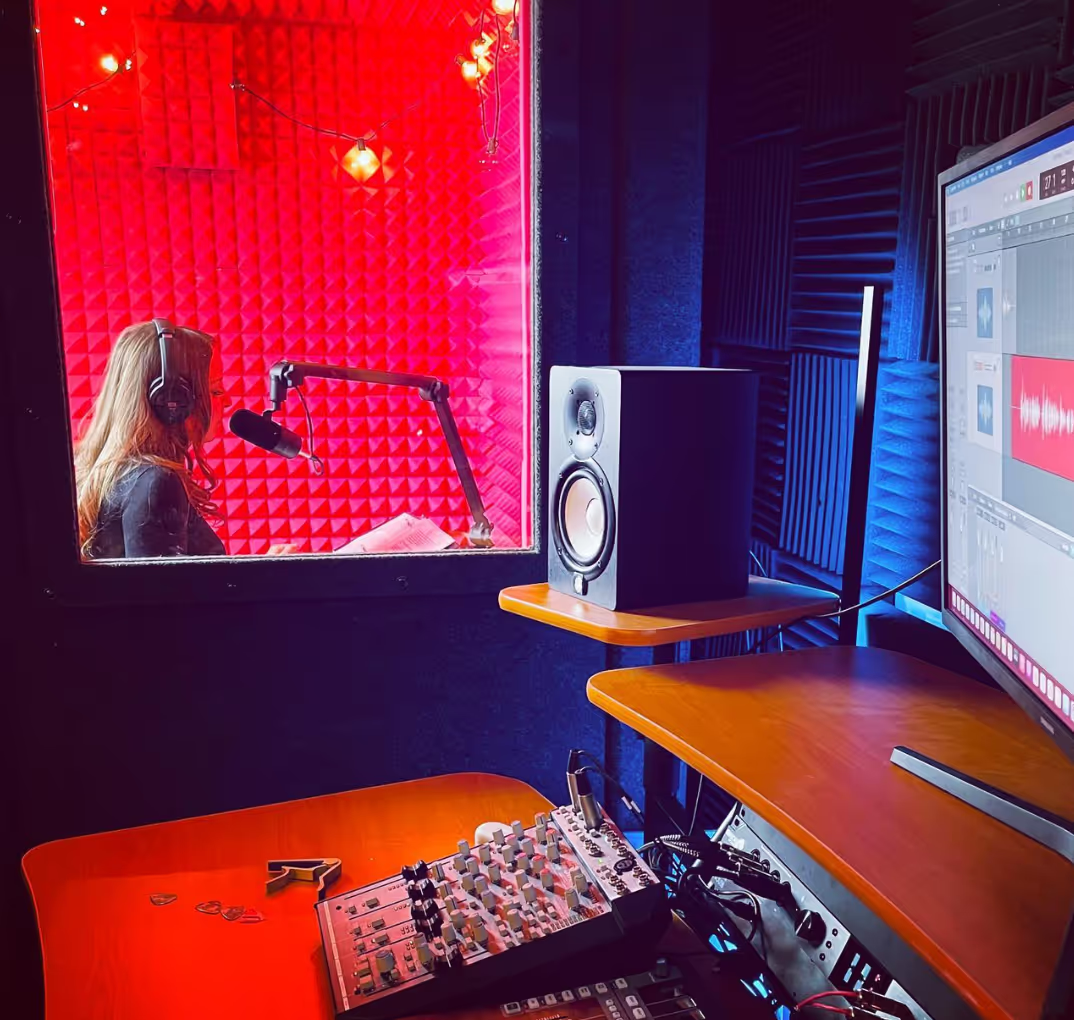
One easy improvement is to keep unnecessary equipment outside the booth. Moving a computer into the surrounding room reduces both the heat inside your recording space and the chance of its cooling fan appearing in your recordings.
Of course, reducing heat sources only goes so far. You still need a way to bring fresh air in and move warmer air out.
How Does Quiet Vocal Booth Ventilation Work?
A basic fan can move air through a wall opening, but that opening also creates a path for sound.
This is why vocal booth ventilation requires more thought than installing a fan in a conventional room.
A well-designed system combines controlled airflow with acoustic treatment along the ventilation path.
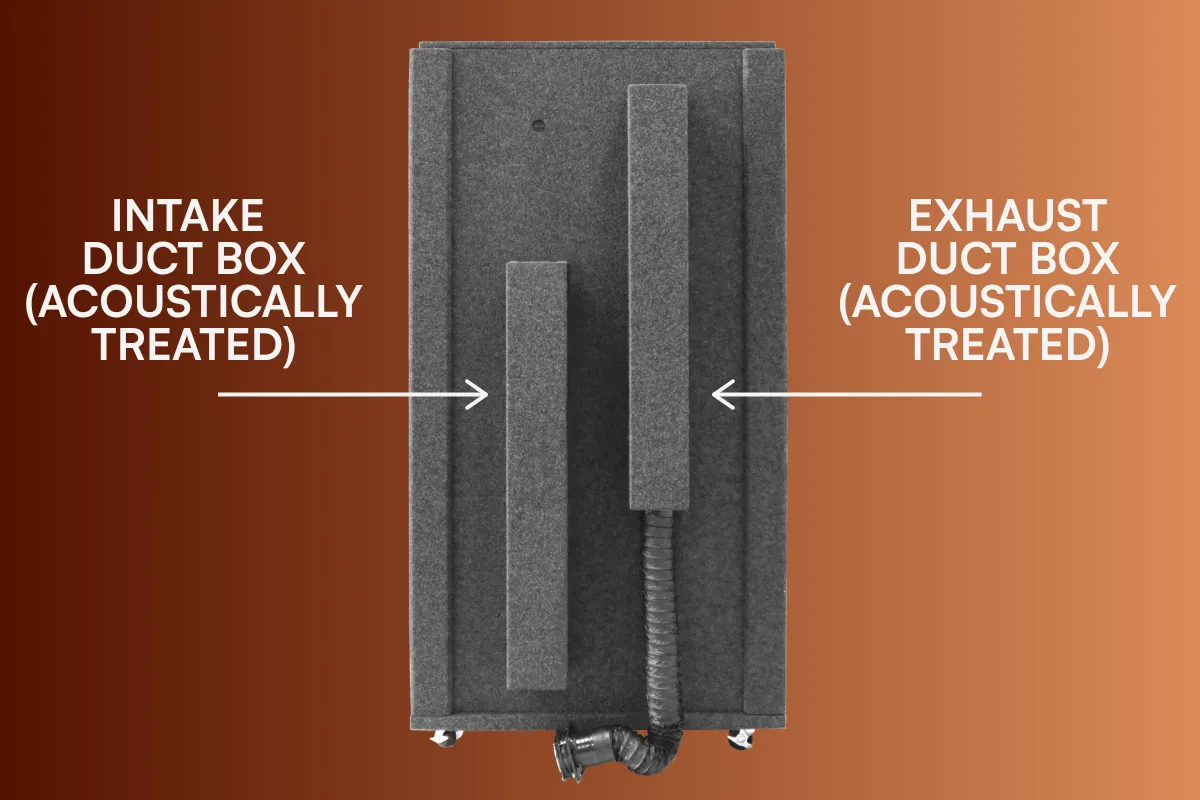
1. Bringing air in and moving air out
Ventilation needs to accomplish two things: supply air to the booth and remove air from it.
A properly designed intake and exhaust arrangement allows air to circulate rather than relying on an open door or a single unplanned opening.
WhisperRoom's ventilation components are designed to work with its modular enclosures, allowing airflow without requiring users to modify the booth walls.
2. Reducing noise through the ventilation path
Sound can travel through ducts just as it travels through other openings.
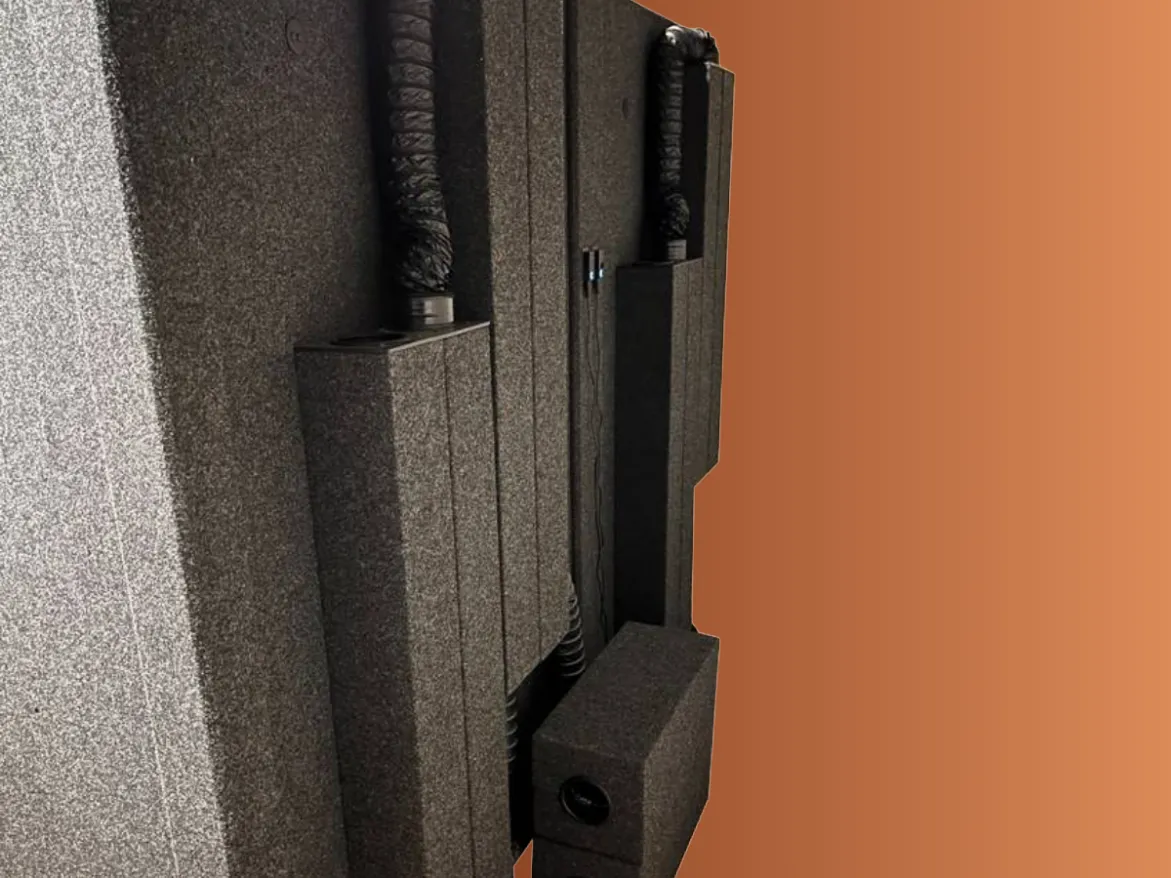
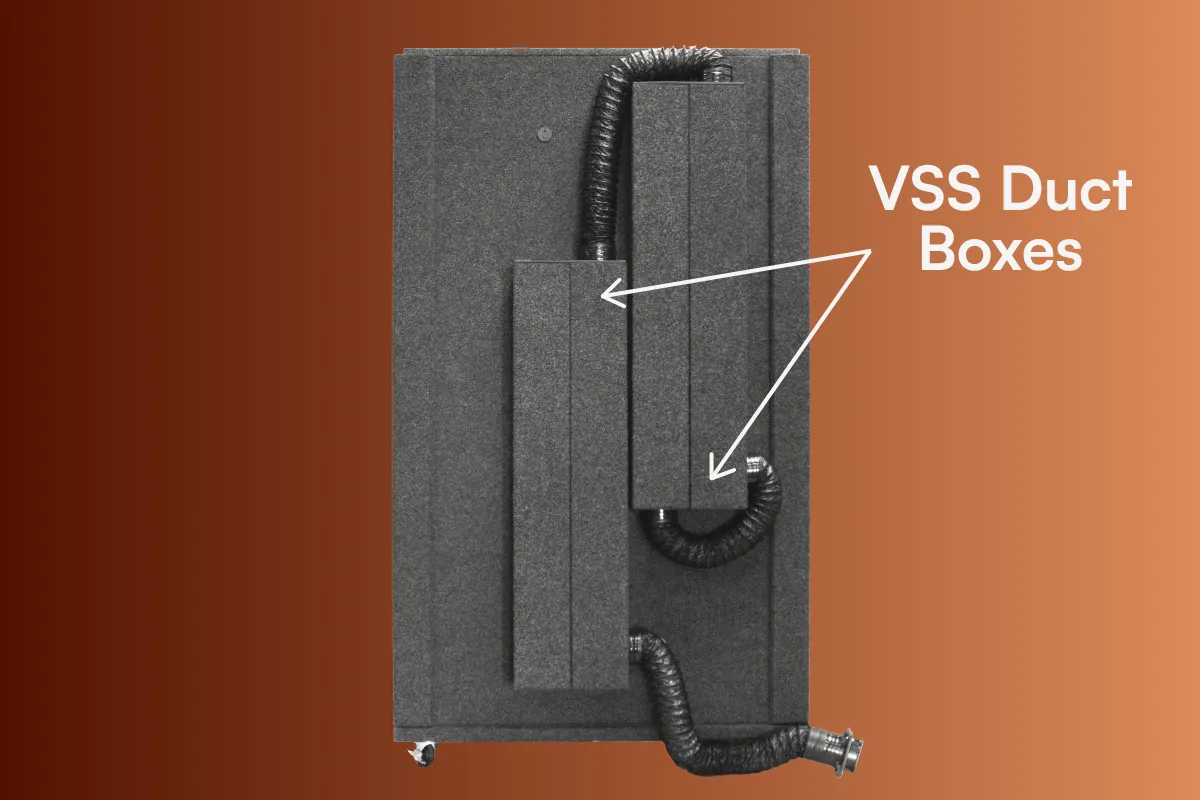
Ventilation silencing systems help address this by routing air through acoustically treated ducting and components that reduce sound transmission.
The goal isn't to stop airflow. It's to make the ventilation path less effective at carrying unwanted noise.
3. Keeping fan noise away from the microphone
Even a relatively quiet fan can become noticeable when you're recording with a sensitive microphone.
Fan placement matters because sound and vibration from the motor can reach the recording space.
Moving the fan farther from the booth, using appropriate ducting, and reducing vibration transmission can help keep that noise out of your recordings.
The best way to evaluate any system is to test it with your actual microphone, gain settings, and recording environment.
WhisperRoom Ventilation Options
WhisperRoom offers ventilation components designed for its modular sound-isolation booths. Understanding what each component does makes it easier to choose a configuration that fits your recording needs.
Ventilation Set
The WhisperRoom Ventilation Set provides intake and exhaust ducting components designed for use with WhisperRoom enclosures.
It establishes the airflow paths needed for ventilation. A compatible fan unit is required to drive the airflow.
Ventilation Silencing System
The Ventilation Silencing System adds additional acoustic ducting components to help reduce noise traveling through the ventilation system.
This is particularly useful when recording quiet material, such as spoken-word narration, voice over, or detailed vocal performances.
Exterior Fan Silencer
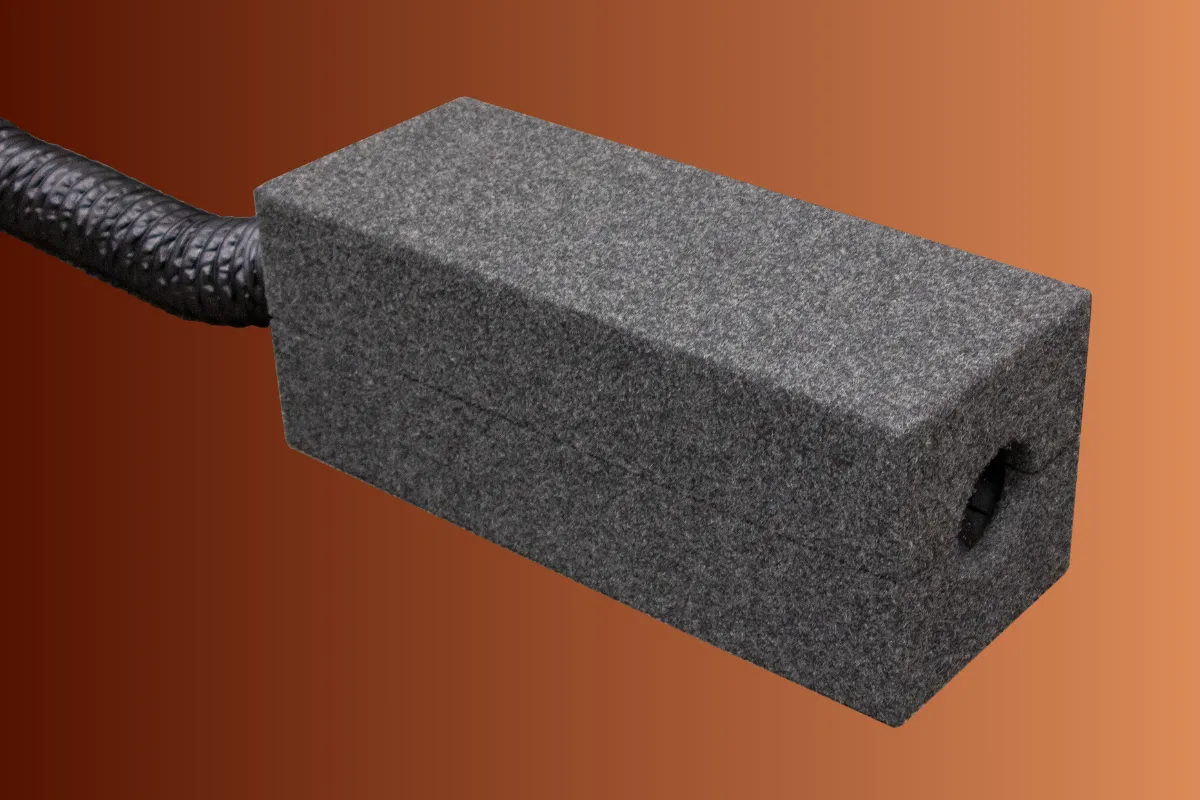
The Exterior Fan Silencer (EFS) helps reduce noise from the ventilation fan outside the booth, creating a quieter surrounding environment.
It houses the exterior fan in an acoustically treated enclosure, making it especially useful in home studios and shared recording spaces where external fan noise could become a distraction.
Remote Fan Unit
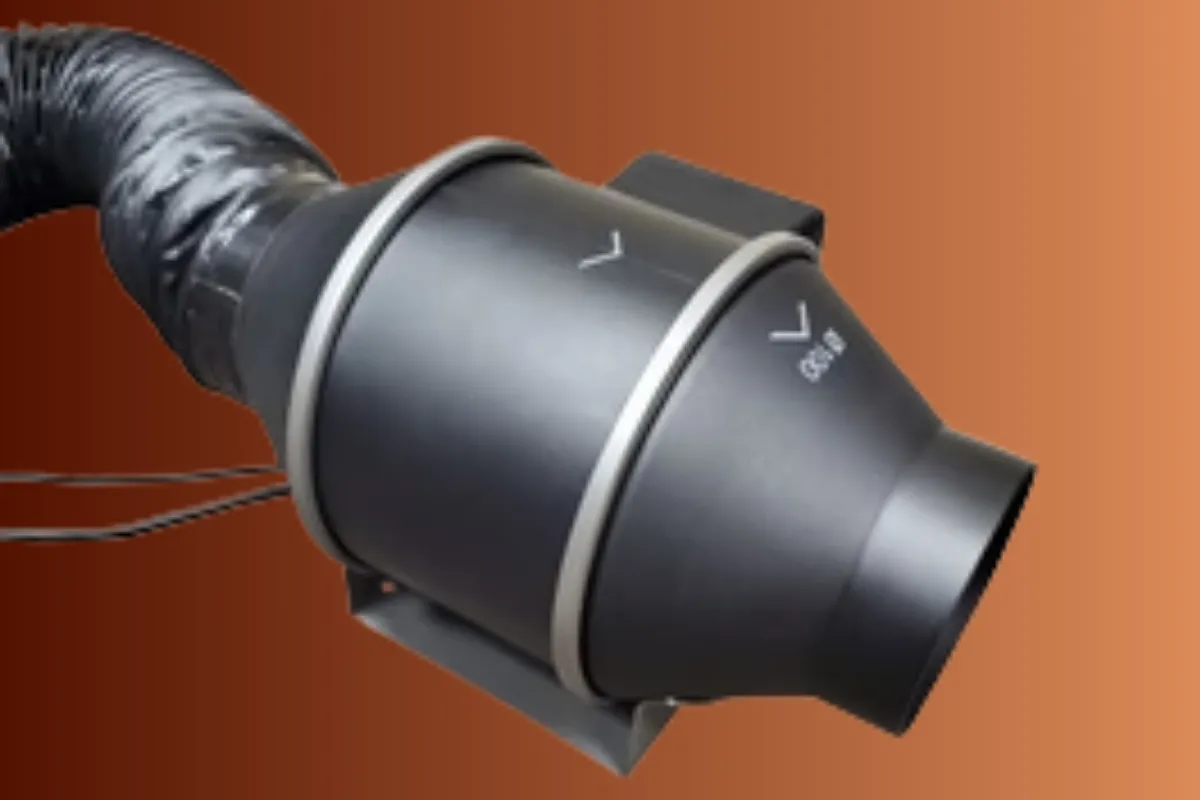
The Remote Fan Unit provides powered airflow and allows the fan to be positioned away from the booth using compatible ducting.
Its adjustable speed gives users control over airflow, although the best operating setting depends on the booth configuration and recording environment.
These components serve different purposes and may be used together. Before ordering, confirm compatibility with your booth model and the ventilation components already installed.
You can also explore configurations through the WhisperRoom Booth Builder.
Does Ventilation Affect Sound Isolation?
Yes. Any opening in an enclosure creates a potential path for sound, including openings designed for ventilation.
That's why ventilation design matters.
An untreated opening can allow sound to pass between the booth and its surroundings. Acoustic ducting and properly designed ventilation components help reduce that transmission while maintaining airflow.
WhisperRoom publishes frequency-specific sound-reduction measurements for its two enclosure series:
- Standard Series: Approximately 32 to 46 dB of sound reduction across the published frequency measurements.
- Enhanced Series: Approximately 33 to 59 dB across the published frequency measurements.
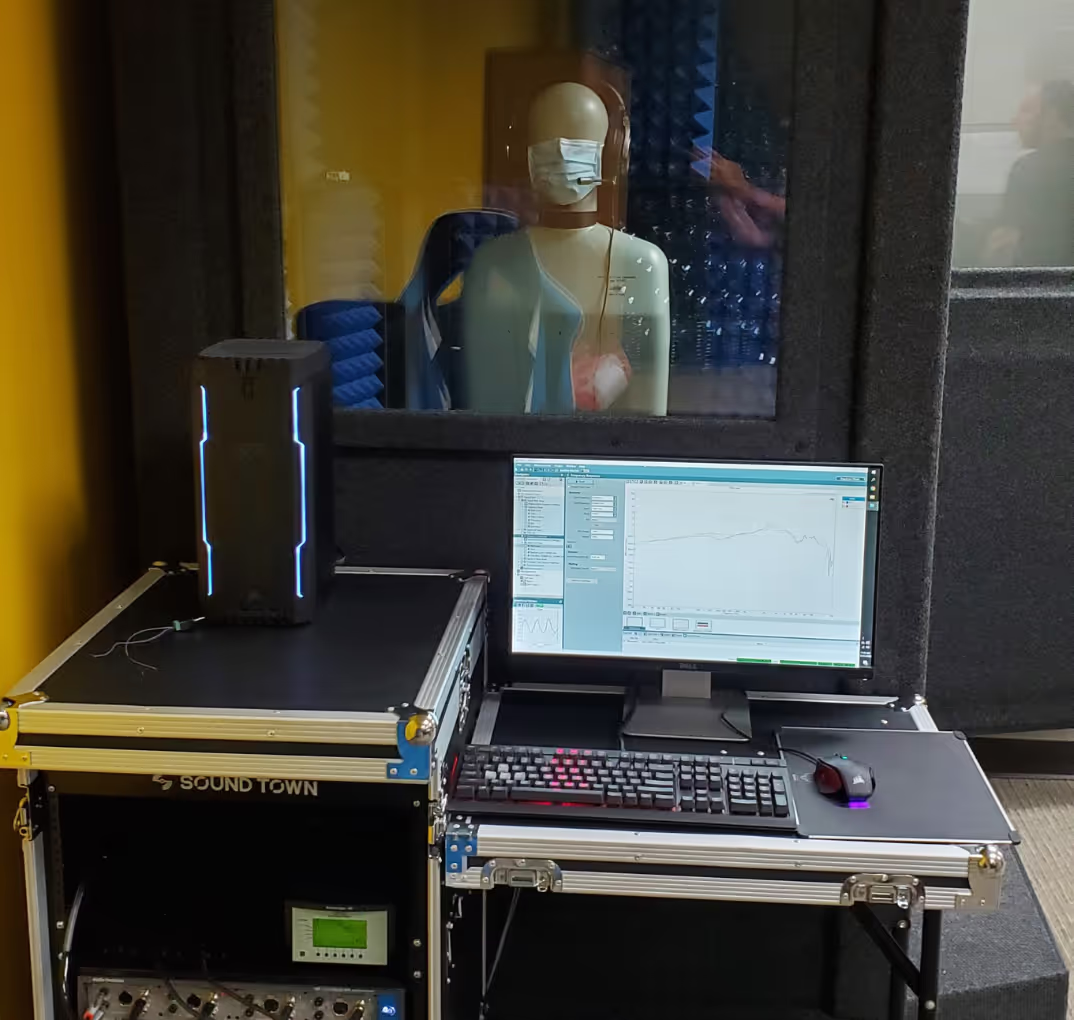
These figures come from field testing using ASTM E336 and represent typical values from multiple booth configurations. Actual performance varies with frequency, installation, and the surrounding environment.
Importantly, these are enclosure sound-isolation figures. They should not be interpreted as a specific measurement of ventilation-system noise reduction.
You can review the measurements on our Size and Noise Reduction page.
Why low-frequency noise matters
Low-frequency sounds are generally more difficult to isolate than higher-frequency sounds.
This is relevant to ventilation because fans can produce low-frequency hum as well as higher-frequency airflow noise.
Even when a ventilation system sounds relatively quiet to someone standing nearby, its noise may still be noticeable in a recording.
For a deeper explanation of frequency and isolation performance, see our guide to how sound isolation works.
DIY Vocal Booth Ventilation: Common Mistakes
Building your own vocal booth can be a practical option, but ventilation is often more complicated than it first appears.
Here are four common problems worth avoiding.
Mounting a fan directly in the booth wall
A fan mounted directly through an opening can transmit motor noise and vibration into the recording space.
It also creates a relatively direct path for outside sound.
A remote fan arrangement with appropriate acoustic ducting can help reduce these problems.
Using straight, untreated ducts
A straight duct without acoustic treatment can carry sound between the booth and the surrounding room.
Acoustically treated ventilation paths are designed to reduce that transmission while allowing air to move.
Overlooking intake and exhaust airflow
A fan alone doesn't guarantee effective circulation.
The intake, exhaust, fan capacity, and ducting need to work together to provide appropriate airflow through the occupied space.
A system that moves too little air may leave the booth uncomfortable, while poorly selected components can introduce unnecessary noise.
Choosing a fan based only on how quiet it sounds
A fan that seems quiet in an ordinary room may still be audible in a vocal recording.
Sensitive microphones, higher gain settings, and compression can make steady background noise more noticeable.
This is especially important for voice over and audiobook recording, where quiet passages can reveal low-level hum.
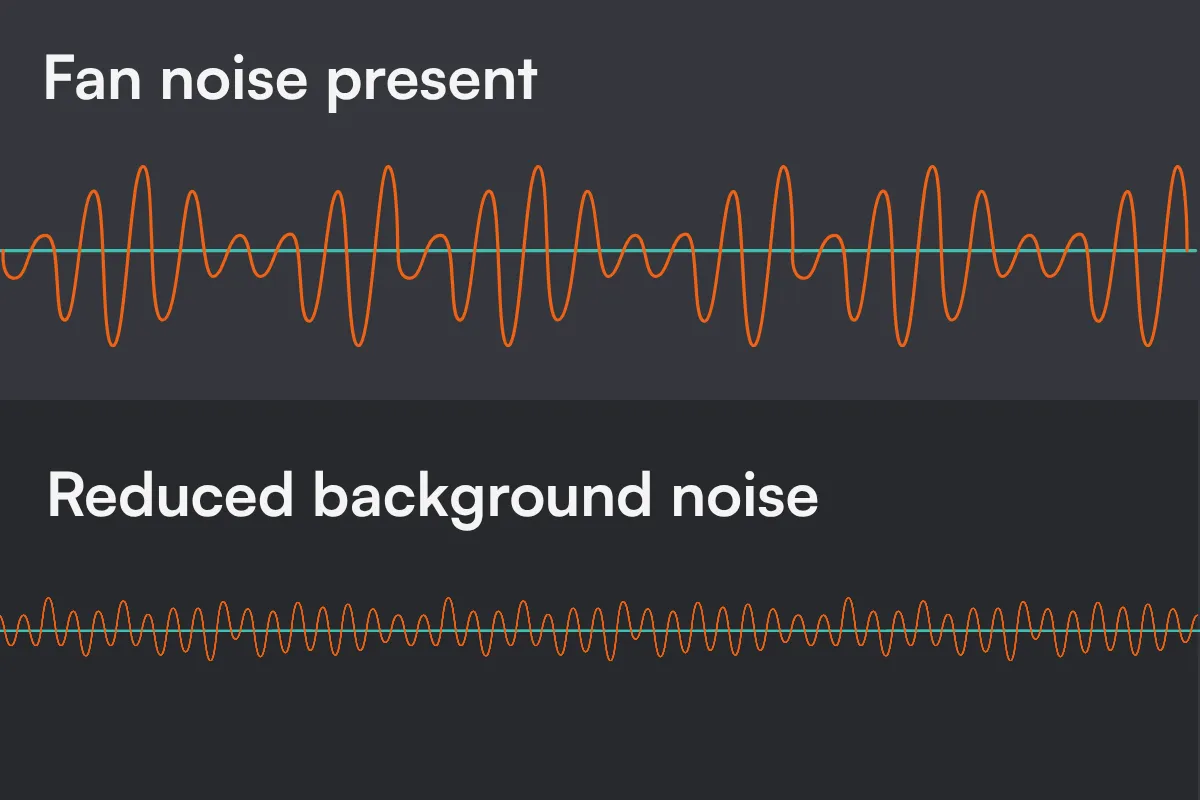
Our guide to understanding the noise floor explains why these sounds matter and how they affect recorded audio.
If you're comparing a DIY build with a manufactured enclosure, our DIY Vocal Booth vs. WhisperRoom article explores the broader differences in construction, performance, and long-term flexibility.
Six Ways to Keep Your Vocal Booth Comfortable
A good ventilation system does most of the work, but a few recording habits can make the space more comfortable and easier to work in.
1. Keep unnecessary equipment outside.
Computers, external power supplies, and other powered equipment generate heat. Keeping them in the surrounding room can reduce heat buildup and equipment noise inside the booth.
2. Use low-heat lighting.
LED lighting generally produces less waste heat than traditional incandescent or halogen lighting while providing the visibility you need for scripts, instruments, and recording equipment.
3. Keep the surrounding room comfortable.
A booth's ventilation system draws air from its surrounding environment. If that room is already warm, ventilation alone won't provide refrigerated or conditioned air.
Maintaining a comfortable temperature in the surrounding room helps manage conditions inside the booth.
4. Test ventilation noise before recording.
Record a short sample with your ventilation operating normally. Then compare the background noise with the fan at another suitable operating setting.
Listen through headphones and check your recording levels.
This helps you determine whether fan or airflow noise is noticeable with your microphone and gain settings.
5. Keep ventilation operating as needed.
For occupied sessions, maintain appropriate airflow. If a particular fan setting creates recording noise, consider adjusting the ventilation configuration or scheduling a recording break rather than relying on an unventilated enclosure for extended periods.
6. Take breaks during longer sessions.
Step outside, stretch, and allow the booth to air out before recording again.
A comfortable recording environment makes it easier to focus on the performance instead of the room around you.
What to Look for in a Vocal Booth Ventilation System
If you're shopping for a vocal booth, ventilation deserves attention alongside size, sound isolation, and interior acoustics.
The most useful features are those that address airflow and recording noise together.
An acoustically treated ventilation path
Look for ventilation components designed to reduce sound traveling through the air passages.
A purpose-designed system is generally a better starting point than an untreated opening through the booth wall.
Flexible fan placement
A fan that can be positioned away from the microphone gives you more options for managing motor noise and vibration.
Consider where the fan will sit, how ducting will be routed, and whether the configuration fits your available space.
Airflow appropriate for the booth
Booth size, occupancy, equipment, and intended session length all affect ventilation needs.
Confirm that the proposed system provides appropriate airflow for your specific setup rather than assuming every booth requires the same configuration.
Compatibility with your recording environment
Think about how you'll use the booth.
A voice actor recording quiet narration may have different noise priorities from a vocalist tracking loud performances or a podcaster recording interviews.
The right ventilation configuration should support both the room's airflow needs and the recording conditions you're trying to achieve.
A booth that can adapt to future needs
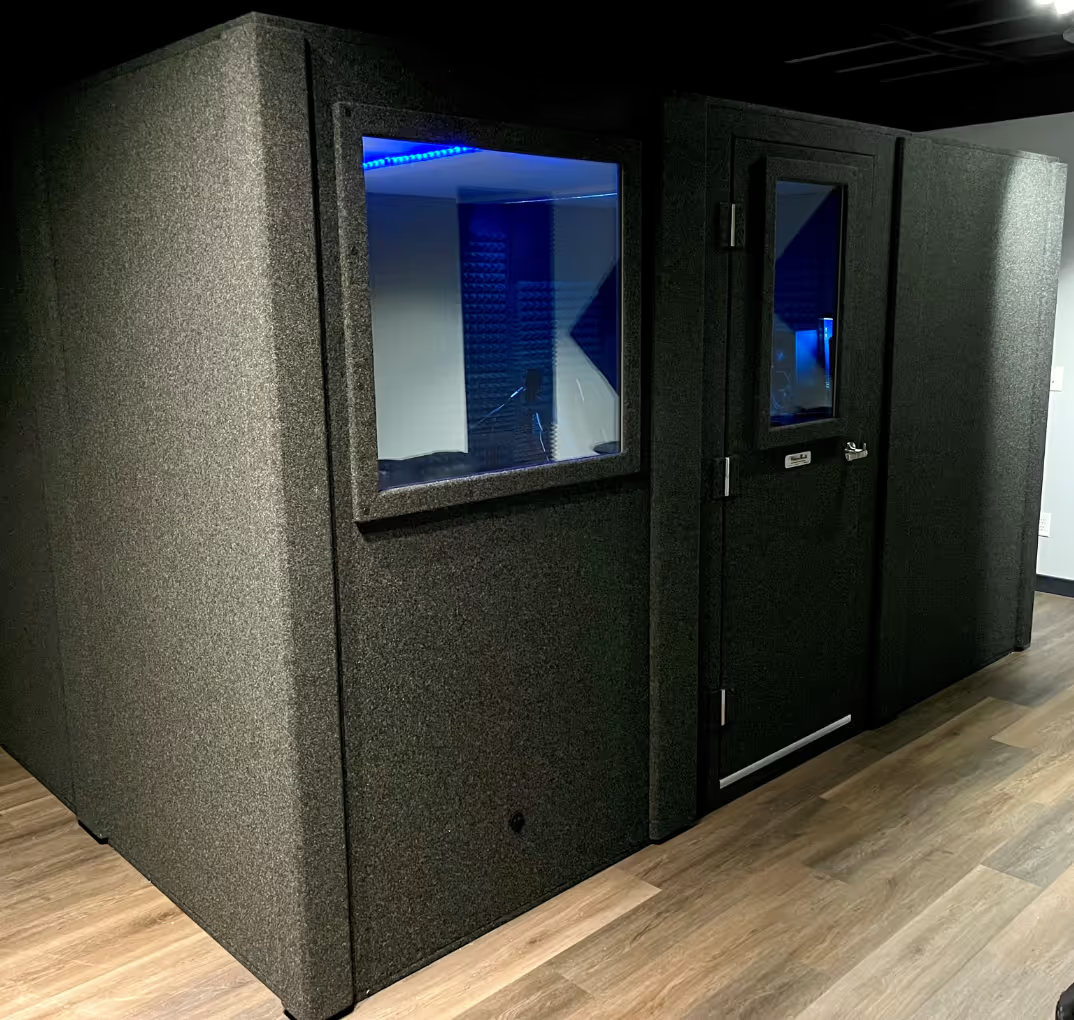
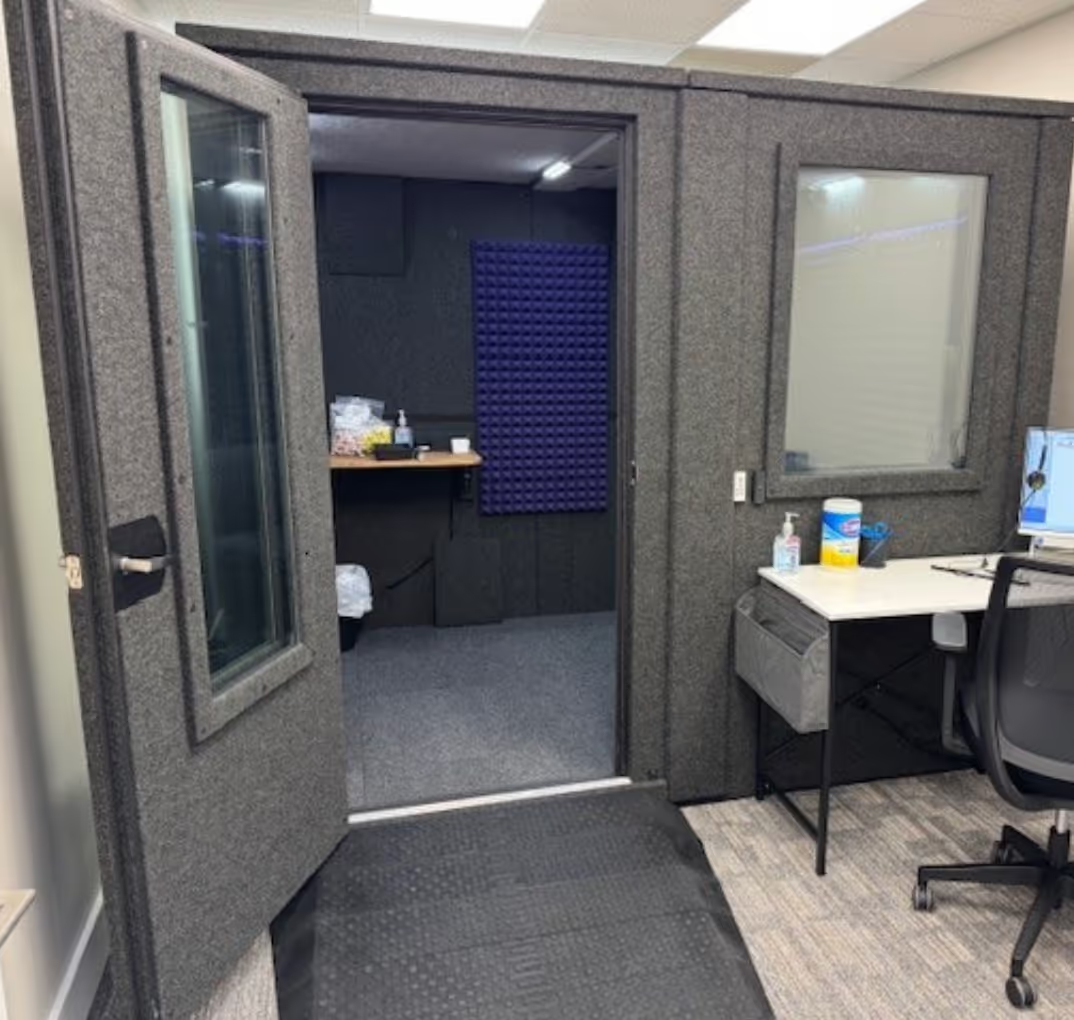
WhisperRoom booths use modular panel construction, allowing them to be disassembled, relocated, and reconfigured as needs change.
That flexibility can be valuable when upgrading a studio, moving to a new location, or changing how the booth is used.
Fresh Air and Quiet Recordings Can Work Together
A vocal booth should help you focus on your recording, not force you to choose between comfort and sound isolation.
The key is a ventilation system that provides appropriate airflow while reducing unwanted noise through the air passages and fan arrangement.
If you're planning a new recording space, explore our voice over and vocal booths or see how WhisperRoom supports different recording applications.
You can also use the WhisperRoom Booth Builder to explore booth sizes and ventilation options.
Not sure which configuration makes sense? Contact our team and tell us what you're recording, where the booth will go, and what matters most to your setup. We'll help you narrow down the options.


.avif)
.avif)
.avif)

.avif)
.avif)

.avif)
.avif)
.avif)
.avif)
.avif)
.avif)
.avif)
.avif)
.avif)
.avif)
.avif)
.avif)
.avif)
.avif)

.avif)
.avif)



.avif)